Want a premium card with your company's branding, photo and/or more contact data?

How Do Digital Business Cards Work?

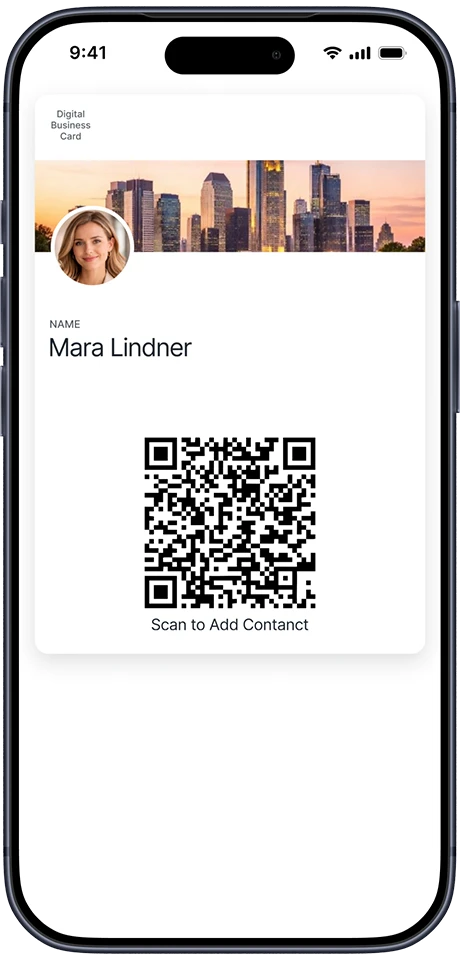
Show the card on your phone
1. Show the card on your phone to the recipient
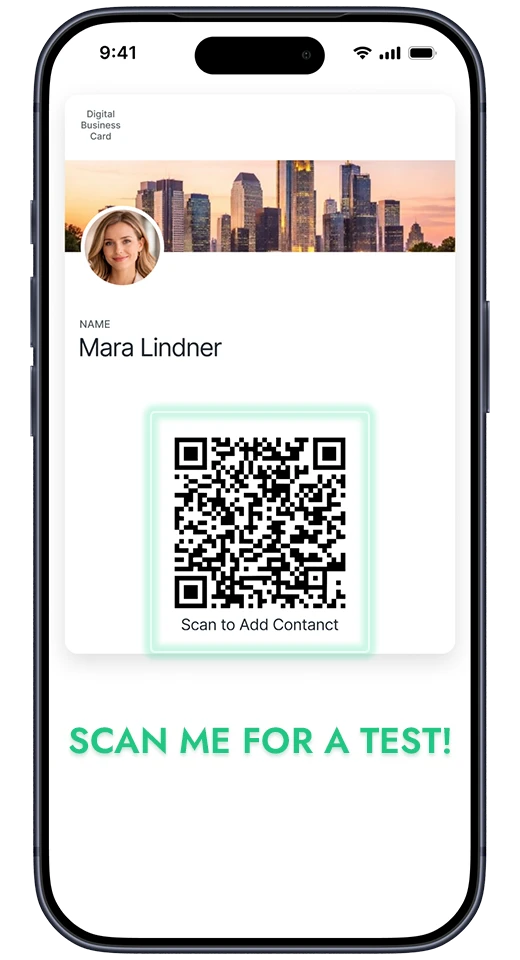
They scan the QR on the card
2. They scan the QR on the card...
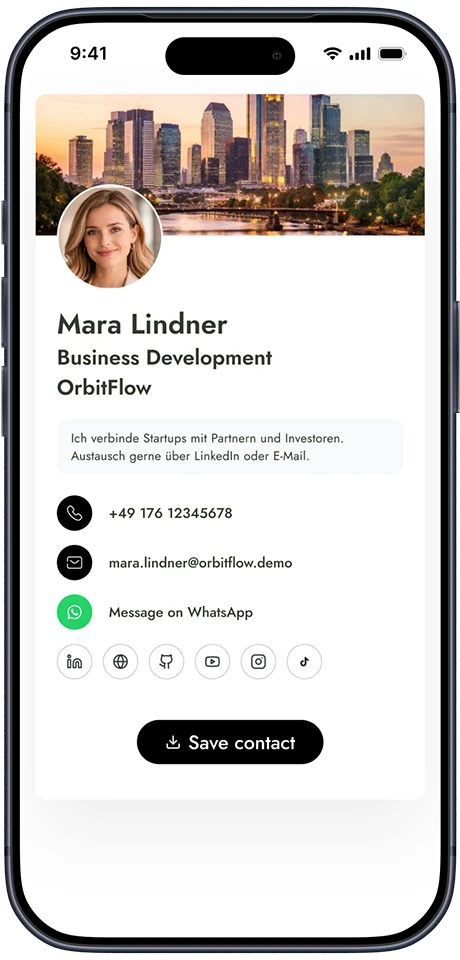
Save the contact data
3. ...and save the contact data to their phone instantly

Business cards for mobile wallets:

  • Always with you
  • Hassle-free
  • Nature-friendly
  • Affordable
Digital Business Card for Apple and Google Wallet

See what our customers say about us:

Google Reviews
GDPR compliance

GDPR compliance

Data safety

Data safety

Environmentally friendly solution

Environmentally friendly solution

Digital business cards, also known as electronic business cards, are modern versions of traditional business cards that can be stored and shared electronically. These cards contain all the essential information typically found on a paper business card—such as your name, job title, company, contact information, and sometimes social media profiles—but are designed to be used within digital wallet applications like Apple Wallet and Google Wallet.

How Do Digital Business Cards Work?

Digital business cards leverage the capabilities of mobile wallet apps to store and share contact information seamlessly. Here’s a step-by-step breakdown of how they work:

Creation

You can create a digital business card for Apple or Google Wallet right on this page. The card is free to use for 7 days, includes just the basic contact information, and features Yohn.io’s own branding. For as lowa$1.49 per month, customers can generate a card that does not expire and can be customized with their logo, banner, and all necessary contact details. Once created, the digital business card is saved to your Apple Wallet or Google Wallet. These wallets are secure apps pre-installed on most smartphones, designed to store digital items like boarding passes,ticketsand payment cards.

Sharing

Sharing your digital business card is straightforward. Our digital business cards contain a QR code where all of your contact data is stored. Just show the business card on the screen of your smartphone and, whenthrecipient scans the QR code, they are prompted to save your contact information directly into their phone’s Contacts. This eliminates the need for them to type the contact information manually or usethird-partbusiness card scanner apps.

Updating

One of the most significant advantages of digital business cards is the ease of updating information. If your contact details change, you can update your card, and the changes will reflect immediately for anyonewhhas your card saved in their wallet.

Advantages of Digital Business Cards

Digital business cards offer several advantages over traditional paper cards, namely:

1. Convenience and Accessibility

Digital business cards are always accessible on your smartphone. There’s no need to worry about running out of paper cards or forgetting them at home. With digital wallets, your business card is always just a tapaway.

2. Ease of Sharing

Sharing digital business cards is incredibly easy. You can share them through a QR code scan. This ease of sharing makes networking more efficient and ensures your contact information is correctly saved.

3. Environmentally Friendly

Switching to digital business cards reduces the need for paper, making it an environmentally friendly choice. This aligns with the growing trend of businesses seeking to reduce their carbon footprint.

4. Updatable Information

With traditional business cards, any change in contact information renders the existing cards obsolete. Digital business cards can be updated instantly, ensuring your contacts always have your current information.

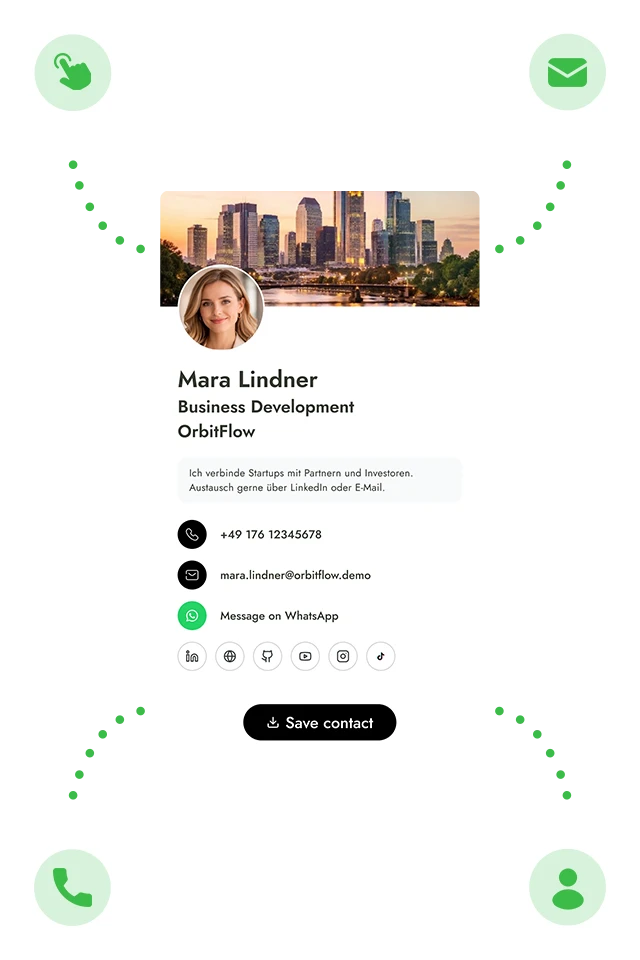
5. Enhanced Features

Digital business cards include interactive elements like links to your social media profiles, website, or portfolio. This provides recipients with immediate access to more information about you and your worenhancing your professional presence.

6. Cost-Effective

Over time, digital business cards can be more cost-effective. While there might be an initial cost for creating a digital card, there are no recurring printing costs, and updates don’t require a new print run.

How to Generate a Digital Business Card for Your Apple / Google Wallet Using Yohn.io

On mobile devices:

On desktop computers: