Free Event QR Code Generator

Generate QR codes for calendar events
Add event details and generate a calendar QR code locally in your browser.
Your QR code is generated in this browser. Your event QR payload stays on this device unless you choose to save a copy to your inbox.
Your QR code has been saved to your inbox.
We saved your request, but inbox delivery is not available yet. Use the downloads above.
Your QR code copy was saved. Use the downloads above if you need another file.
Could not complete the server request. Please try again.
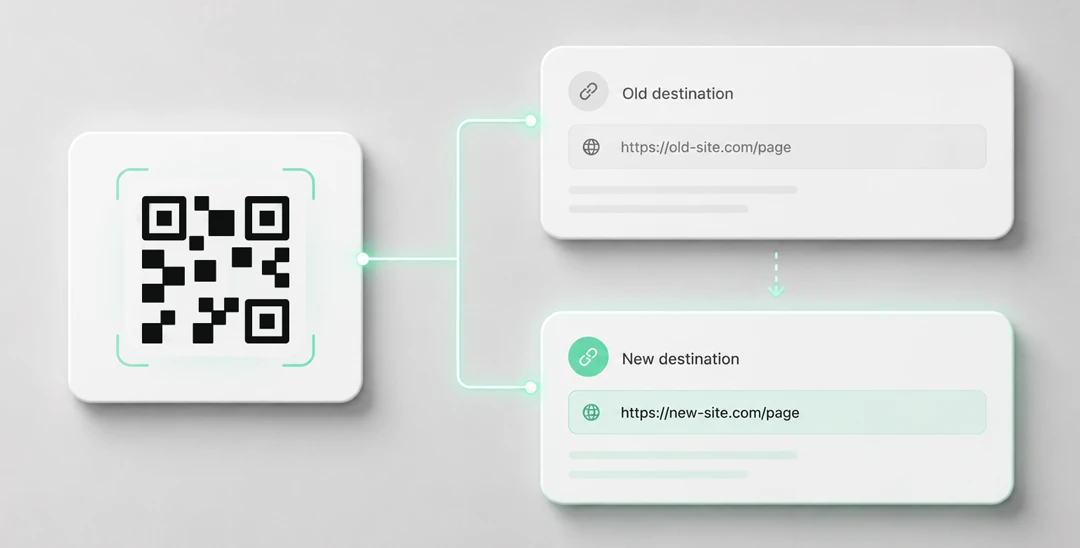
Need editable QR codes with unlimited scans?
Create a dynamic QR code



Create a QR Code for an Event
Yohn.io’s free event QR code generator turns event details into a scannable calendar QR code. When someone scans it, their phone can add the event title, description, location, start time, and end time to a calendar app.
This is useful whenever remembering the event is more important than simply reading about it. A poster can become a calendar reminder, a printed invitation can become a saved appointment, and a conference program can let visitors add individual sessions before the day becomes busy.
The QR preview and downloads are generated locally in your browser. Your event details stay on your device unless you choose to save a copy to your inbox.
What Is an Event QR Code?
An event QR code contains calendar event data. Instead of opening a regular webpage, it gives the scanner’s phone enough information to create a calendar entry: the event name, description, location, start date and time, and end date and time.
That makes it different from a normal URL QR code. A URL QR code sends people to a page where they still need to read, remember, and manually save the date. An event QR code reduces that friction by putting the event directly into the place where people manage their schedule.
How to Generate an Event QR Code
- Scroll to the event QR form at the top of this page.
- Enter the title, description, location, start date/time, and end date/time.
- Click “Generate QR code”.
- Scan the preview with your phone and confirm that the calendar details look right.
- Download the QR code as SVG or PNG, or optionally save a copy to your inbox.
If the QR code will be printed, SVG is usually the best option because it stays crisp in flyers, posters, signs, and professionally printed invitations. PNG is convenient for quick use in documents, presentations, emails, and social posts.
Use Cases for Event QR Codes
Event QR codes work well anywhere you want people to save a date immediately:
- Conference sessions: Add a QR code next to each talk so attendees can save only the sessions they care about.
- Webinars and online workshops: Put the calendar QR code in emails, PDFs, landing pages, or printed handouts.
- Meetups and community events: Help people save the time and location while they are reading a poster or announcement.
- Restaurant and venue events: Promote tastings, live music, quiz nights, pop-ups, and seasonal events with a scannable reminder.
- Schools and universities: Use QR codes for open days, parent meetings, lectures, club activities, and exam reminders.
- Appointments and consultations: Add a calendar QR code to confirmation materials when the time and place should be easy to save.
- Printed invitations: Let guests add weddings, parties, launches, and private events to their calendar without retyping details.
Advantages of Using Yohn.io’s Event QR Code Generator
Yohn.io keeps event QR code creation simple and practical:
- Free generator: Create event QR codes without payment or account setup.
- Browser-based generation: The QR preview and downloadable files are generated locally in your browser.
- Useful event fields: Include the title, description, location, start date/time, and end date/time in one code.
- Print-friendly downloads: Save the result as SVG for sharp print output or PNG for everyday digital use.
- Optional inbox copy: If you want a backup, you can send the generated QR code to your email.
Tips for Event QR Codes
- Double-check time zones and dates: Calendar mistakes are easy to miss, especially for online events and international audiences.
- Keep the title clear: The calendar entry should still make sense weeks later. “Product Demo” is less useful than “Yohn.io Product Demo”.
- Use the location field carefully: For physical events, include the venue name and address. For online events, put the meeting link or a short location note if appropriate.
- Do not overload the description: Add the most important context, but keep it readable in a calendar app.
- Test on different phones: Calendar handling can vary by device and app, so scan the code before sending it to print.
An event QR code helps people act at the moment they discover the event. Instead of asking them to remember, search, or manually create a reminder later, it lets them save the date right away.