Buy an editable Yohn QR code with Bitcoin, Ethereum, USDT, USDC and other supported cryptocurrencies through INXY checkout. Pay once, receive your QR files and management link after payment confirmation, and change the destination later without reprinting the code. Crypto checkout starts at EUR 11.90, including 19% VAT.
What you get with a dynamic QR code
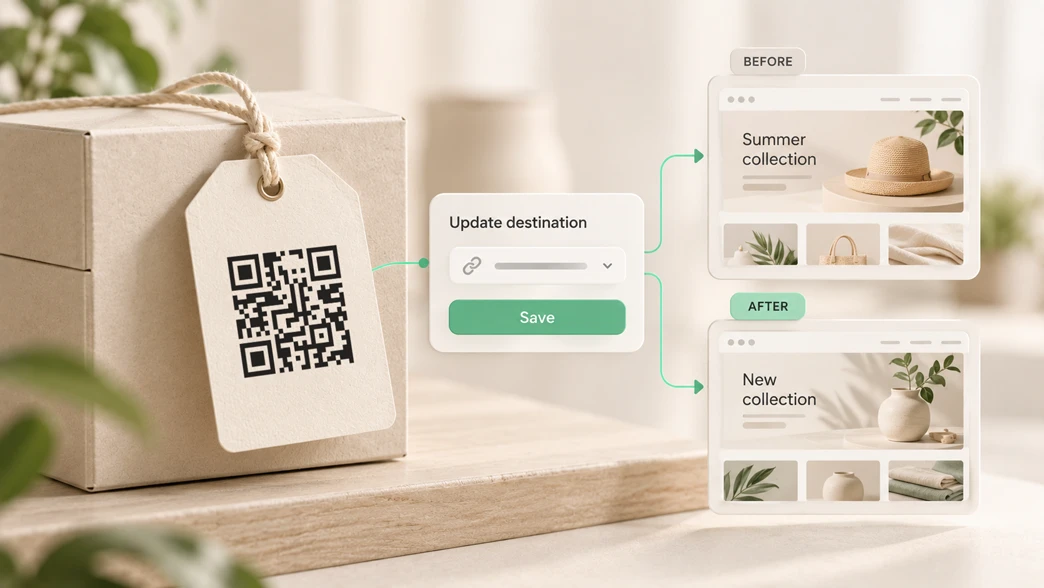
A Yohn dynamic QR code opens a short redirect link. You can update that link’s destination after purchase while keeping the same printed QR pattern.
That makes it useful for stickers, packaging, business cards, product labels, and other printed materials that may outlast a particular web page or campaign.
Cryptocurrency is the payment method for your purchase. The QR code you receive opens your chosen destination URL.
You can also select Card & other methods at checkout. Available payment options depend on your location, currency, and device.
Dynamic QR code prices: one payment, no subscription
Choose between two short-link options:
| Dynamic QR link | Price excluding VAT | Crypto checkout total, including 19% VAT |
|---|---|---|
| yohn.click | EUR 10.00 | EUR 11.90 |
| yo.hn | EUR 20.00 | EUR 23.80 |
Both include:
- An editable destination.
- Unlimited scans.
- Direct, ad-free redirects.
- 10-year guaranteed redirect support.
- No subscription required.
The shorter yo.hn link helps keep QR patterns compact for small surfaces such as stickers and engravings. Always test your final design at its intended size before printing.
Prices are listed in euros. Your cryptocurrency amount is quoted during checkout. Use the amount shown in your active payment session; screenshots and earlier purchases may show a different quote. Wallet or network fees may be additional.
Buying for a business? Crypto checkout currently includes 19% VAT and does not support VAT-free business purchases. Select Card & other methods for business tax handling, and check the final tax details before paying.
Accepted cryptocurrencies and networks
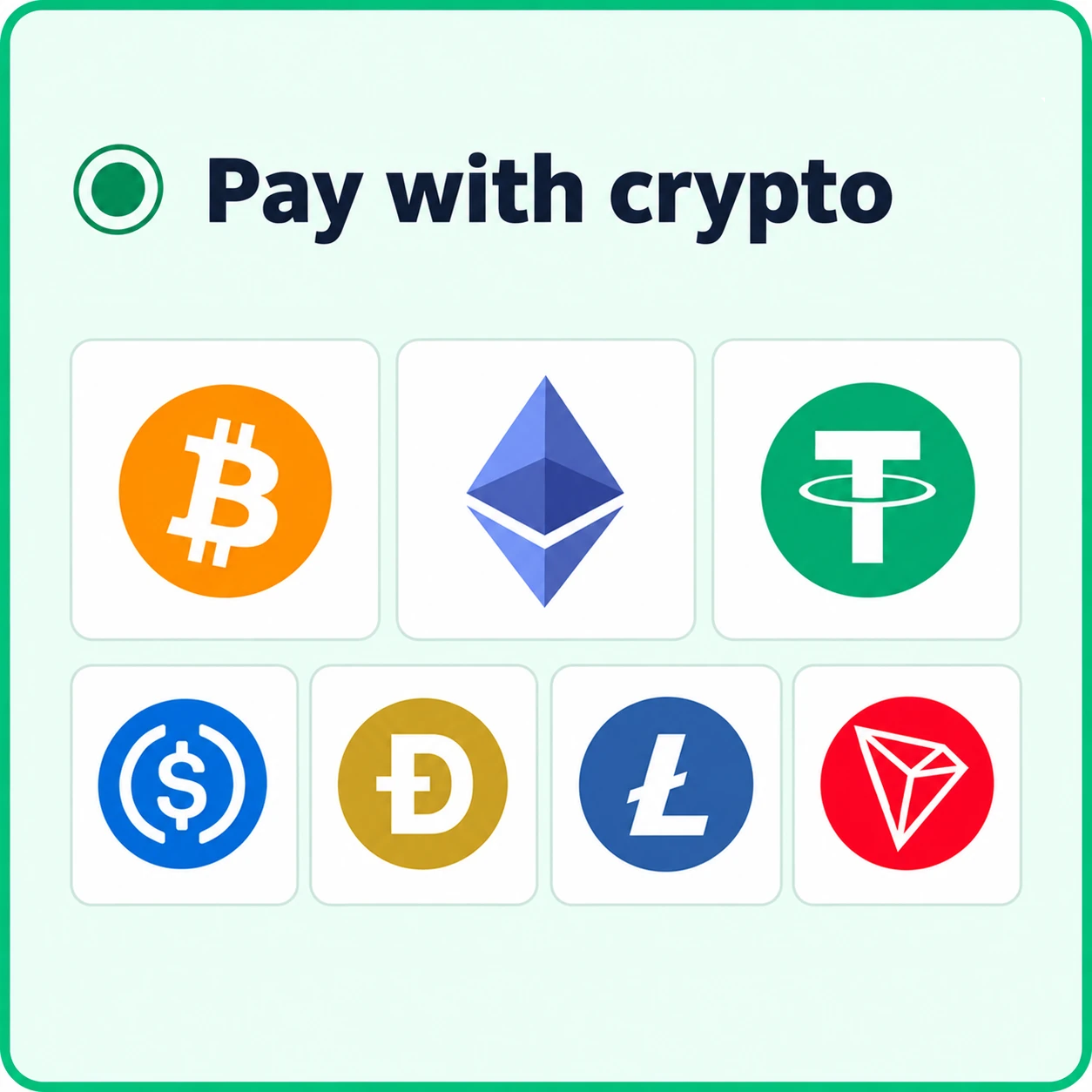
Yohn’s crypto checkout supports the following combinations. Confirm that your chosen coin and network are available in checkout before sending funds.
| Cryptocurrency | Supported networks |
|---|---|
| Bitcoin (BTC) | Bitcoin |
| Ethereum (ETH) | Ethereum |
| Tether (USDT) | Ethereum (ERC20), Tron (TRC20), BNB Smart Chain (BEP20) |
| USD Coin (USDC) | Ethereum (ERC20), BNB Smart Chain (BEP20), Polygon |
| Dogecoin (DOGE) | Dogecoin |
| Litecoin (LTC) | Litecoin |
| TRON (TRX) | Tron |
USDT on Polygon is not supported. Support for USDC on Polygon does not mean that USDT on the same network is accepted.
The cryptocurrency and network must both match the payment instructions. For example, choosing USDT on Tron means sending USDT through the Tron network.
A token supported by your wallet is not necessarily supported on every network offered by checkout.
Watch: buy a dynamic QR code with crypto
See the purchase process in 30 seconds, from entering your destination URL to receiving your QR files after payment confirmation. Waiting time is shortened in the video.
By playing, you agree to Google receiving your IP address, device information and playback activity. Video privacy details
Watch on YouTubeHow to buy a dynamic QR code with crypto
1. Enter your destination and choose a QR link
Open Dynamic QR Codes and enter the web address your code should open in Destination URL.
Choose yohn.click or yo.hn. You can edit the destination after purchase, so a later landing-page change does not require a new printed code.
2. Select crypto and enter your delivery email
Select Pay with crypto, review the total, and complete Email for your link and QR code.
Check your email address carefully. This is where Yohn will send your QR assets and management link.
Select Continue to payment to open INXY checkout.
3. Choose your cryptocurrency and network
Select a supported coin and network. In our example purchase, we used LTC on Litecoin.
Complete the payment form, including its email field, and review INXY’s payment rules. These can include restrictions on payment sources and services. Check that your intended wallet or exchange is permitted before proceeding.
4. Check the details and send the exact amount
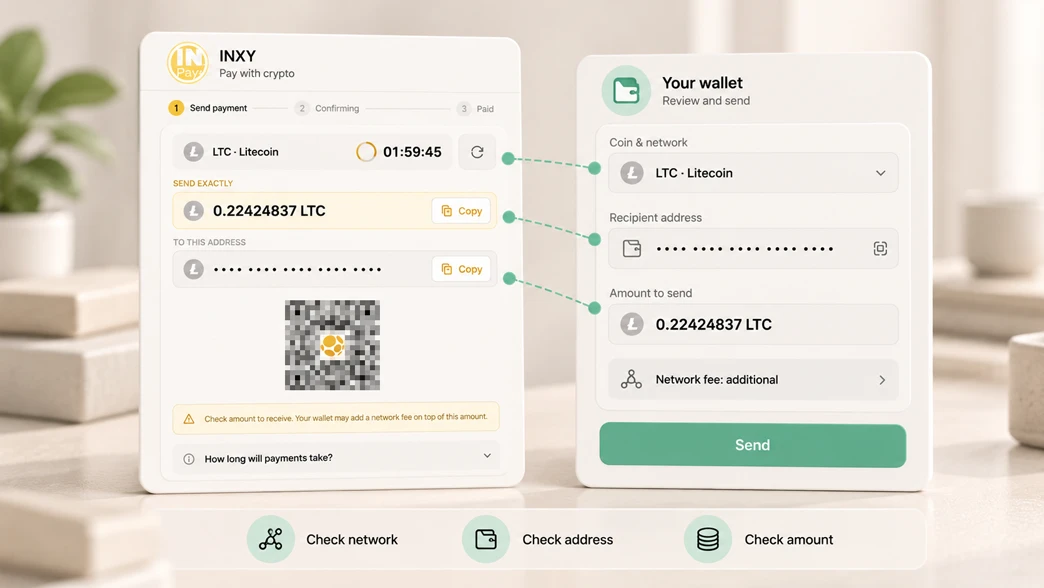
The payment screen provides a recipient address, the required cryptocurrency amount, a payment QR code, and a session timer.
Copy the details or scan the payment QR code with a compatible wallet. Before sending, check:
- Coin and network: both must match the checkout instructions.
- Recipient address: verify it after pasting or scanning.
- Amount received: the recipient must receive the exact amount requested. Your wallet may add a network fee or deduct it from the amount entered.
- Session deadline: use the address and quote from the active session. Do not reuse old payment details.
The INXY payment QR code pays for your order. It is separate from the dynamic QR code you are purchasing.
5. Wait for payment confirmation
Your wallet’s “sent” notification does not mean the order is complete.
Checkout may show a processing or confirming status while it waits for blockchain confirmations and payment processing. Timing depends on the network and the payment provider’s checks; confirmation is not guaranteed to be instant.
Follow the checkout status to see when payment is confirmed.
6. Receive your QR files and management link
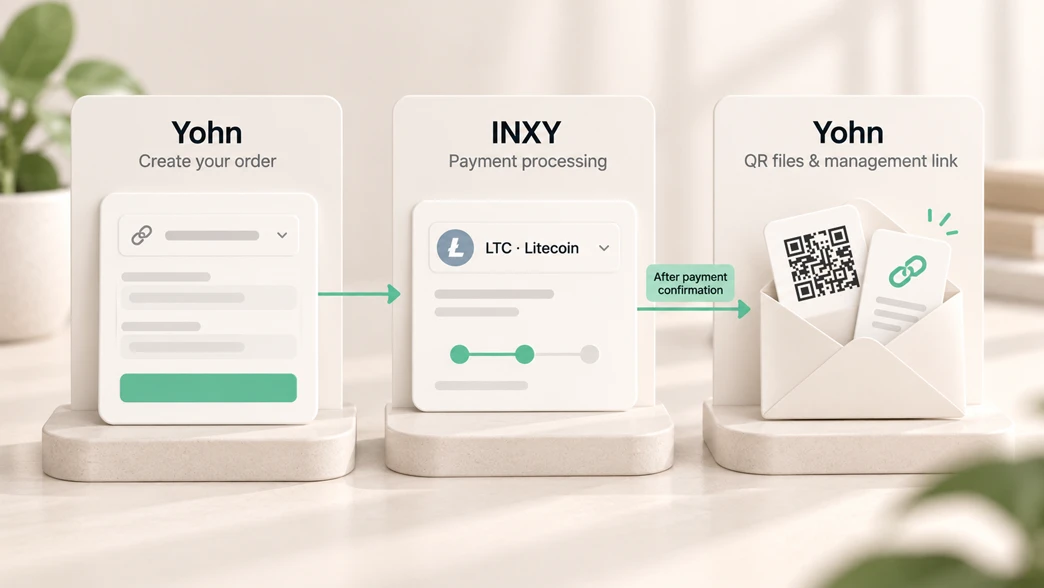
After payment confirmation and order fulfillment, Yohn emails your QR assets and management link. The order page also shows when your link is ready.
Keep the management link private. Use it to update your destination; use the public QR link on materials you print or share.
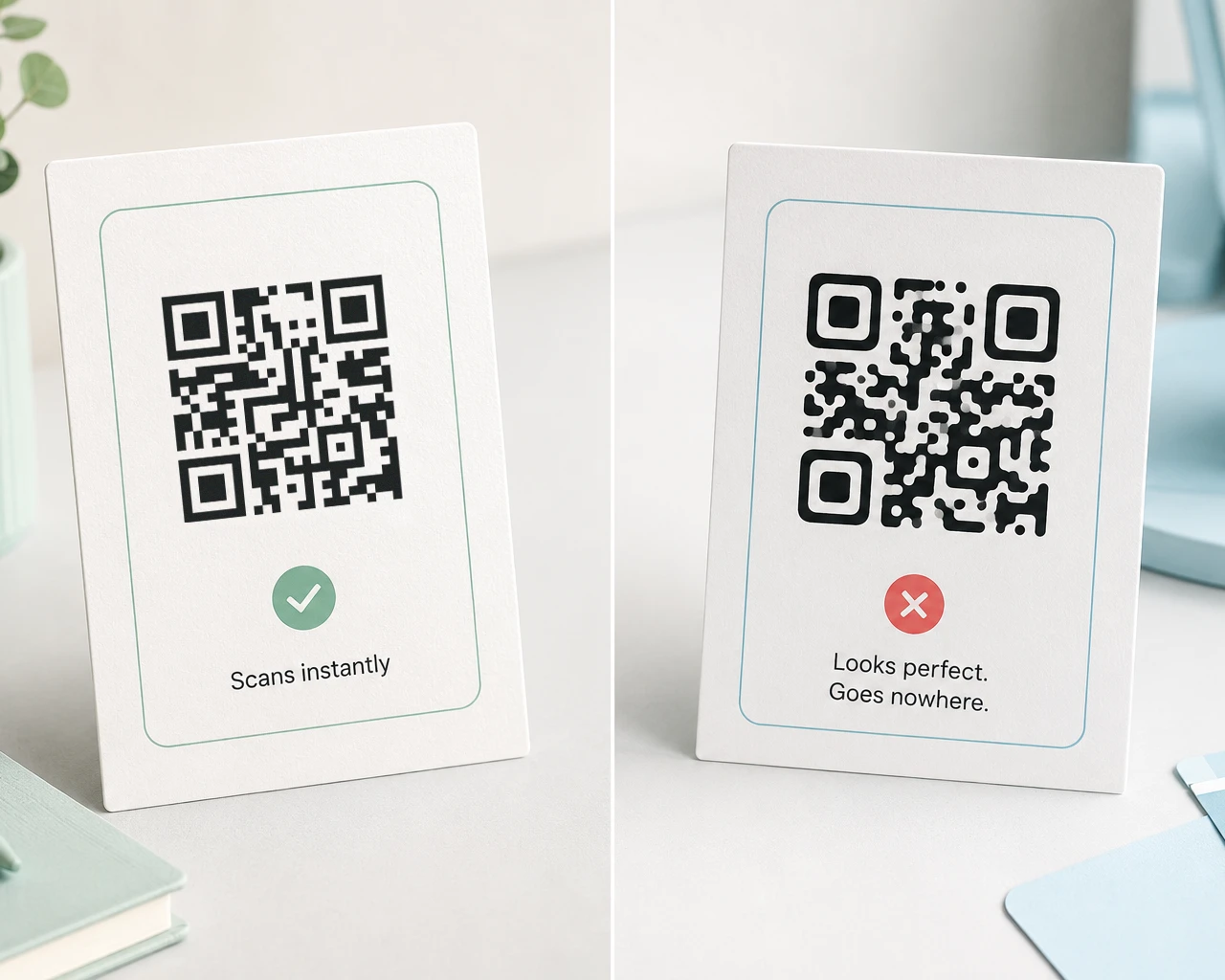
Test your delivered QR code before adding it to your final design. Test the exported or printed version as well.
Why Yohn added cryptocurrency payments
Yohn serves customers working internationally, including customers in DACH, the Nordics, and the UAE. Crypto gives them another way to purchase a QR code using funds they already hold.
Customers can choose supported stablecoins such as USDT and USDC or another supported cryptocurrency.
Conversion charges, network fees, and confirmation delays can still apply. Review the checkout quote and your wallet’s fees before paying.
Our goal is payment choice: whichever available method you select, you receive the same dynamic QR product.
How INXY handles the crypto checkout
A crypto checkout needs payment quotes, transaction monitoring, confirmation handling, and a way to connect each confirmed payment to the correct order. It also involves compliance requirements, including anti-money-laundering checks and applicable Travel Rule obligations.
INXY provides Yohn’s crypto checkout and payment-processing flow. Yohn handles the dynamic QR product and its delivery after payment confirmation.
Payments remain subject to the provider’s checks and restrictions. Not every wallet, exchange, or jurisdiction is necessarily eligible. Review the current payment rules in your checkout session.
Frequently asked questions
Can I buy a dynamic QR code with Bitcoin or USDT?
Yes. Yohn supports Bitcoin on the Bitcoin network and USDT on Ethereum, Tron, and BNB Smart Chain. Confirm your chosen combination in checkout before paying. USDT on Polygon is not supported.
Does the QR code receive cryptocurrency payments?
The QR code you purchase opens your chosen destination URL. Paying for it with crypto does not automatically configure it to receive cryptocurrency payments. The payment QR shown by INXY is used to pay for your Yohn order.
Do I need a subscription?
No. These dynamic QR codes are one-time purchases. Both options include an editable destination, unlimited scans, direct ad-free redirects, and 10-year guaranteed redirect support.
How soon will I receive my QR code?
Yohn sends your QR files and management link after payment is confirmed and the order is fulfilled. Confirmation time depends on the network and the payment provider’s checks. The 30-second demonstration video shortens the waiting time.
Can I make a VAT-free business purchase with crypto?
Crypto checkout currently includes 19% VAT and does not support VAT-free business purchases. Use Card & other methods for business tax handling, and review the final tax details before payment.
Find Yohn in crypto directories
You can also discover Yohn through Spendabit, a search engine for products you can buy with crypto, and Cryptwerk, a directory of businesses that accept cryptocurrency.
Create your dynamic QR code
Choose yohn.click or yo.hn, enter your destination, and select Pay with crypto.
After payment confirmation and fulfillment, you’ll receive your QR files and management link by email.